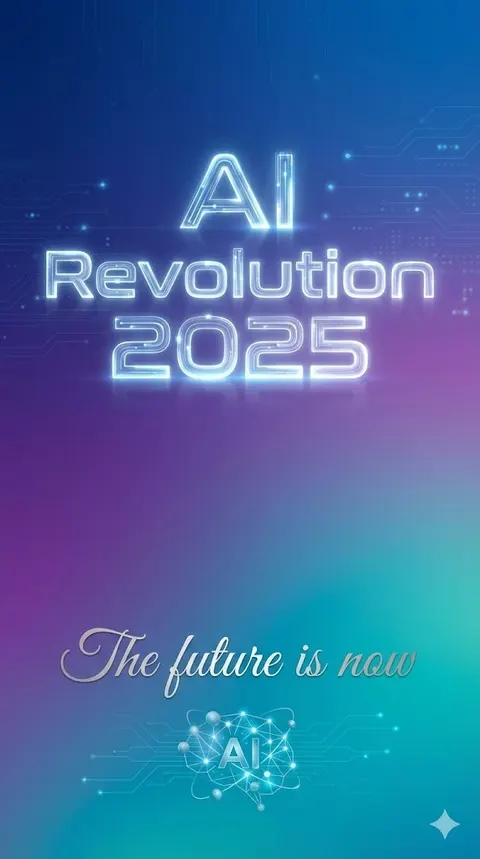
A template and an example prompt demonstrating how to use Nano Banana Pro's text rendering parameters to precisely control the text, position, font style, and size within an image, exemplified by a minimalist tech poster.
English{
"scene": "minimalist tech poster with gradient background",
"text_elements": [
{
"text": "{argument name="headline text" default="AI Revolution 2025"}",
"position": "center, upper third",
"font_style": "bold, futuristic sans-serif, glowing effect",
"size": "large headline"
},
{
"text": "{argument name="subtitle text" default="The future is now"}",
"position": "center, lower third",
"font_style": "elegant script, smaller subtitle"
}
]
}
 Click for full size · wheel to zoom · drag to pan