 点击查看原图 · 滚轮缩放 · 拖拽平移
图标转饮料样机图
Image-to-Beverage Mockup Conversion
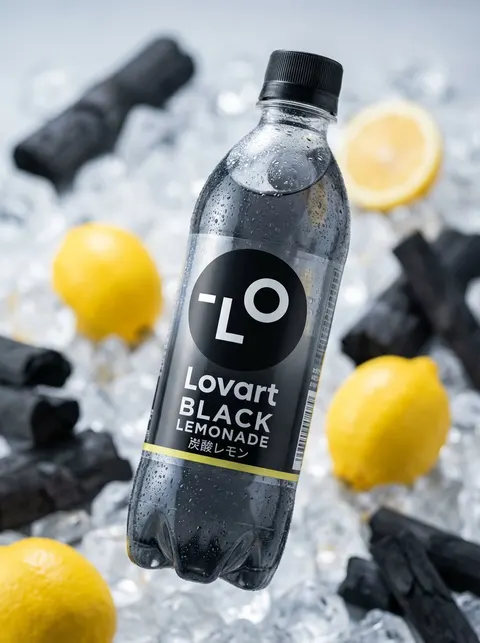
将输入图标转化为瓶装饮料广告,含专业布光、浅景深及 8K 画质。
[AI Instruction: Image → Bottled Beverage Conversion] Analyze [Input Image]. Extract: Read [Main Motif], [Atmosphere], and [Color Palette]. Drink Selection: Freely decide the drink based on the image's color and atmosphere (e.g., {argument name="Type of drink" default="fruit water, carbonated, tea, lactic acid beverage, energy drink, smoothie"}). Label Design: Use the motif for the label illustration or logo. Colors should be reflected in the liquid color and the label. Text: If there is text in the image, utilize it as the product name or flavor name. [Main Motif] A new product plastic bottle that catches the eye in the convenience store beverage aisle. The design should look as if the world view of [Input Image] has been transformed into a drink. [Detected Motif] decorates the label, and the liquid color matches the theme color. The bottle shape is also free (slim, round, can type, etc.). [Atmosphere] Product advertisement photo taken in a professional studio. The bottle has condensation, giving the texture of being cold. Fruits or ingredients may be scattered in the background. 8k, shallow depth of field at f/1.8, product photography lighting. Photorealistic.